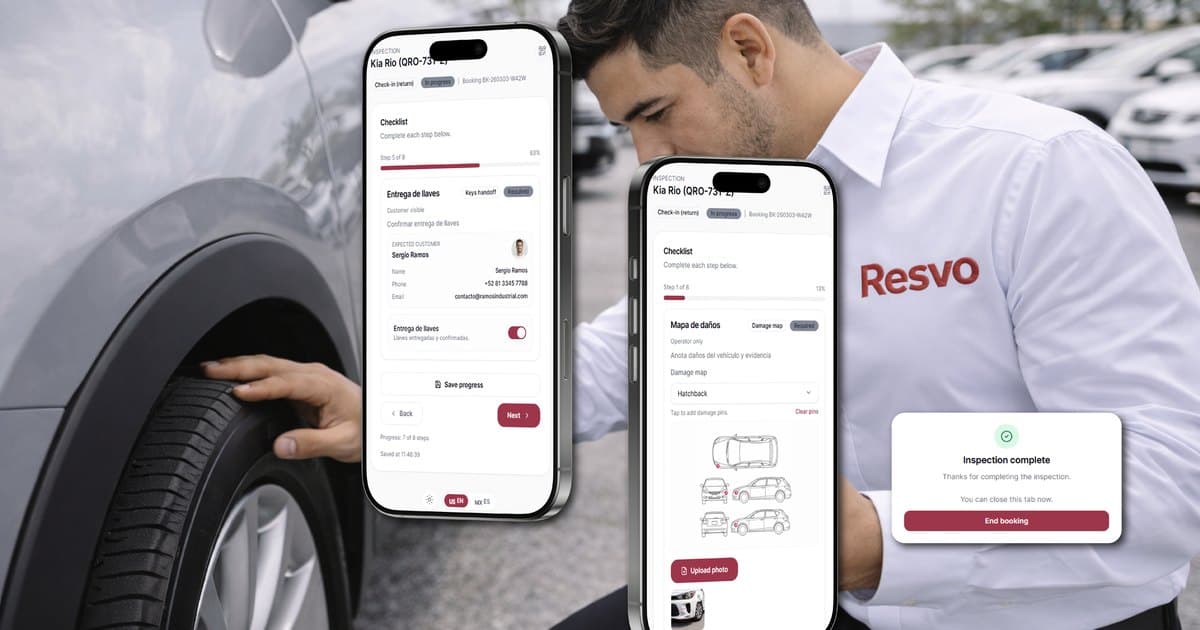
Car rental fleet management software should answer one operational question before every booking: can this specific vehicle—or a valid unit in the promised category—complete the next rental without an unresolved readiness, location, maintenance, evidence, or ownership gap?
A vehicle list is not enough. Rental operators need fleet data connected to bookings, branches, inspections, handoffs, returns, downtime, payments, and the next action. When those records are separated, a calendar can show availability that does not exist on the lot.
This guide gives independent and multi-branch operators a readiness-first method for evaluating fleet software and improving the control they already have.
Fleet status must describe operational truth
“Available” is often overloaded. It may mean the car is not currently rented, even though it is dirty, at another branch, waiting for a damage review, inside a maintenance window, or missing the evidence needed for release.
A useful status model separates physical location, commercial assignment, and operational readiness.
Scroll to compare every column
| State | What it means | Owner | Exit condition |
|---|---|---|---|
| Returning | The rental is expected back but condition and timing are not confirmed | Branch operations | Return recorded with time, mileage, fuel or charge, and condition |
| Inspection | The vehicle is present but readiness evidence is incomplete | Assigned inspector or branch | Required checklist and evidence completed |
| Cleaning or preparation | Work is known and scheduled | Preparation owner | Checklist complete and readiness confirmed |
| Maintenance | Service or review prevents normal assignment | Maintenance owner or manager | Authorized evidence and status update completed |
| Transfer | Custody is moving between branches | Dispatch and receiving branches | Vehicle received, location confirmed, readiness rechecked |
| Ready | Required gates for the next booking are complete | Branch | Vehicle assigned or a new block appears |
| Rented | Vehicle is in an active rental | Rental owner | Return workflow begins |
The exact states can differ by operator. What matters is that every state has a meaning, an owner, and an exit condition. Free-text notes should explain an exception, not replace the status model.
Connect five records around every vehicle
Fleet control becomes trustworthy when five records share the same identity and timeline.
1. Vehicle identity and ownership
Keep one durable ID for the unit, supported by VIN, plate, category, branch, ownership or investor context when applicable, mileage, and configuration. Plate numbers can change; an internal identity should remain stable.
For United States fleets, the NHTSA VIN decoder can help validate manufacturer-reported vehicle details, while local registration and manufacturer records remain authoritative for the operator’s legal obligations.
2. Booking exposure
The vehicle record should show which upcoming bookings depend on the unit or its category. A maintenance block is not only workshop information; it can expose a customer commitment tomorrow.
3. Readiness and handoff evidence
Inspection, photos, mileage, fuel or charge, visible condition, signature, and return notes should remain connected to the rental and vehicle. Evidence must show what was captured and by whom. It does not decide mechanical safety, damage responsibility, liability, or spend on its own.
4. Maintenance and downtime
Open work needs start date, owner, status, expected review point, downtime, and the evidence required before the unit can move forward. Keep the authorized decision separate from the checklist that supports it.
Use the rental fleet downtime control playbook to test whether a system keeps waiting states, booking exposure, the next review, and the authorized release in one traceable record.
5. Branch custody and movement
For multi-branch fleets, record origin, destination, dispatch time, expected arrival, receiving owner, and confirmation. A vehicle can be physically moving while its next booking is already creating pressure at the destination.
When these records use different vehicle names or do not share a timeline, the team spends the day reconciling instead of operating.
Make maintenance visible to booking decisions
Maintenance should not live in a separate log that sales only discovers after promising a unit. The system should surface how service work affects the rental calendar.
Scroll to compare every column
| Signal | Management question |
|---|---|
| Preventive work due | Can it be scheduled before the next high-pressure booking window? |
| Open issue | Is the vehicle restricted, under review, or still permitted for a defined workflow by authorized staff? |
| Downtime start | How long has the unit been unable to earn? |
| Expected review point | When will the responsible person reassess the plan? |
| Category pressure | Which bookings or branches have fewer valid alternatives? |
| Repeat issue | Does the pattern require maintenance, operating, or fleet-replacement review? |
Recall information is another input, not a complete safety decision. In the United States, NHTSA’s recall lookup can show certain unrepaired recalls by VIN or plate and explains important coverage limits. Operators elsewhere should use the applicable manufacturer and government sources for their country. The RMS should preserve the check, source, date, status, and authorized follow-up without treating a lookup result as the only release decision.
Measure readiness before utilization
Utilization can look healthy while the operation is under strain. A vehicle may accumulate rented days but repeatedly return late, miss preparation windows, or create last-minute substitutions. Another unit may appear idle because its block was never classified correctly.
Review utilization with readiness context:
- Rented days by vehicle and category.
- Ready-but-unassigned days.
- Blocked days by reason.
- Maintenance downtime and waiting time.
- Transfer time between branches.
- Return-to-ready time.
- Bookings exposed by a late return or vehicle block.
- Substitutions caused by a readiness mismatch.
If you want to translate idle days into an operating scenario, use the fleet utilization simulator. The output is a planning model, not a revenue forecast.

Treat multi-branch fleet management as a custody network
The multi-branch question is not simply “How many vehicles do we own?” It is “Which branch can fulfill each promise with a ready unit, and what movement or exception is required first?”
A shared view should show:
- Current physical branch and the branch responsible for the next action.
- Incoming returns by time and category.
- Confirmed transfers, expected arrival, and receipt status.
- Vehicle and category pressure by location.
- Open inspection, cleaning, maintenance, document, or approval blocks.
- Upcoming bookings that depend on a specific movement.
- Local exceptions that need manager review.
Avoid optimizing one branch in isolation. Sending an idle SUV to relieve tomorrow’s shortage can create a new problem if the origin already has a weekend booking, if the receiving team cannot prepare it, or if custody is never confirmed.
For a broader operating model, review car rental fleet utilization across branches, the multi-branch car rental operations playbook, and the multi-branch rental company solution.
Use this buying scorecard
Ask each vendor to run the same scenario rather than comparing screenshots.
Scroll to compare every column
| Evaluation area | Strong evidence | Warning sign |
|---|---|---|
| Vehicle state | Clear states, owners, timestamps, and exit conditions | One generic available/unavailable toggle |
| Booking connection | Vehicle or category pressure changes what reservations can safely promise | Availability updated after sales already commits |
| Maintenance | Open work, downtime, evidence, and booking exposure share context | Workshop log isolated from the rental calendar |
| Handoffs | Pickup and return evidence stays tied to vehicle and rental | Photos and signatures live in separate folders |
| Multi-branch custody | Movement has dispatch, receipt, location, owner, and affected bookings | Location changed manually with no transfer history |
| Permissions | Roles can act within their branch and approval scope | Everyone can override the same critical fields |
| Reporting | Managers can trace utilization, blocks, downtime, and exceptions to records | Monthly totals cannot explain the cause |
| Migration | Vehicle identity, status meanings, open blocks, and future bookings have a tested mapping | Vendor promises to “import everything” without field or acceptance rules |
Use a difficult test case: a vehicle is returning late to Branch A, has an inspection issue, was planned for transfer to Branch B, and is attached to a booking the next morning. Ask the vendor to show status, custody, evidence, booking pressure, responsibility, and escalation without inventing an automatic operational decision.
Audit the weekly fleet control loop
Software only helps when the team reviews the signals it creates. Use a weekly control board:
Scroll to compare every column
| Review | Question | Required output |
|---|---|---|
| Readiness | Which units are not ready, and why? | Owner and next review time |
| Downtime | Which vehicles have remained blocked longest? | Decision, evidence request, or escalation |
| Booking pressure | Which future rentals lack enough valid units? | Transfer, category, pricing, or customer plan for staff review |
| Repeated exceptions | Which vehicles, branches, or handoffs repeat the same issue? | Process or maintenance follow-up |
| Utilization | Are low-use days caused by demand, pricing, placement, or blocks? | Named hypothesis and action |
| Data quality | Which records needed manual correction? | Source fix and responsibility |
The meeting should end with owners and dates. A dashboard without an operating response is only observation.
Preserve fleet truth during software migration
Changing systems can damage availability if vehicle states, category definitions, open maintenance, transfers, and future bookings are imported as unrelated lists.
Before cutover:
- Match every vehicle using a stable identifier.
- Define how each legacy status maps to the new model.
- Reconcile physical branch against system location.
- Carry open maintenance and readiness blocks with their owner and evidence.
- Link future bookings to the correct category or unit.
- Test a late return, blocked vehicle, substitute unit, and branch transfer.
- Assign one authoritative system to every active rental during the cutover.
Use the full car rental software migration plan for data scope, payment boundaries, rehearsal, go-live stop conditions, training, and stabilization.
Where Resvo fits
Resvo is a complete Rental Management System and system of record for the rental business. Its live fleet and operations surfaces connect vehicle and category management, bookings, branch movements, inspections, maintenance, handoffs, payments, contracts, and reporting around the same rental record.
The connected AI Execution Layer depends on that RMS foundation. AI Co-Pilot, AI Sales Agent, and AI Rental Concierge are Live. Fleet Health Agent and Rental Control Agent are Coming soon. AI Revenue Optimizer is On request for a first scoped deployment with a qualified operator. Current fleet-software evaluation should separate live RMS workflows, scoped deployments, and roadmap behavior.
Explore Fleet Management & Operations and Visibility & Control to map the relevant surfaces. For broader vendor selection, use the best car rental software comparison. To review your own fleet workflow with the team, book a demo.
Frequently asked questions
What is the difference between generic fleet software and car rental fleet management software?
Generic fleet tools may focus on vehicles, maintenance, drivers, GPS, or cost. Car rental fleet software must also connect vehicle readiness and location to quotes, bookings, categories, contracts, deposits, handoffs, returns, branch movements, and customer commitments.
What vehicle statuses should a rental company use?
Use the smallest set that accurately controls your workflow. Common states include returning, inspection, preparation, maintenance, transfer, ready, and rented. Define the owner and exit condition for every state instead of relying on labels alone.
Should maintenance automatically block a vehicle?
The system can surface a configured restriction or required review, but mechanical safety, release, spend, liability, and customer-impacting decisions must stay with authorized staff and applicable procedures. The exact status and approval path should be explicit.
How should recalls be tracked?
Record the source, lookup date, result, follow-up owner, evidence, and authorized decision. Use the official manufacturer and government sources that apply in the vehicle’s market, and understand their coverage limits.
What should be checked before migrating fleet data?
Validate stable vehicle identity, VIN or internal ID, plate, category, physical branch, status meaning, open maintenance, readiness blocks, transfers, mileage, and future booking links. Test those relationships before go-live rather than importing each list independently.
Sources reviewed
Sources were reviewed on July 20, 2026. NHTSA is cited as a United States reference; operators must use the manufacturer, government, and legal sources applicable to their own markets.